This developer really understands workflow. I can't recommend this app enough.
texascrow
Audio & MIDI clips
Sketch your song on the grid. Arrange audio and MIDI clips in sections, manipulate them with copy, duplicate, merge, and drag-and-drop.
Music Sequencer for Audio, Plugins and MIDI Devices
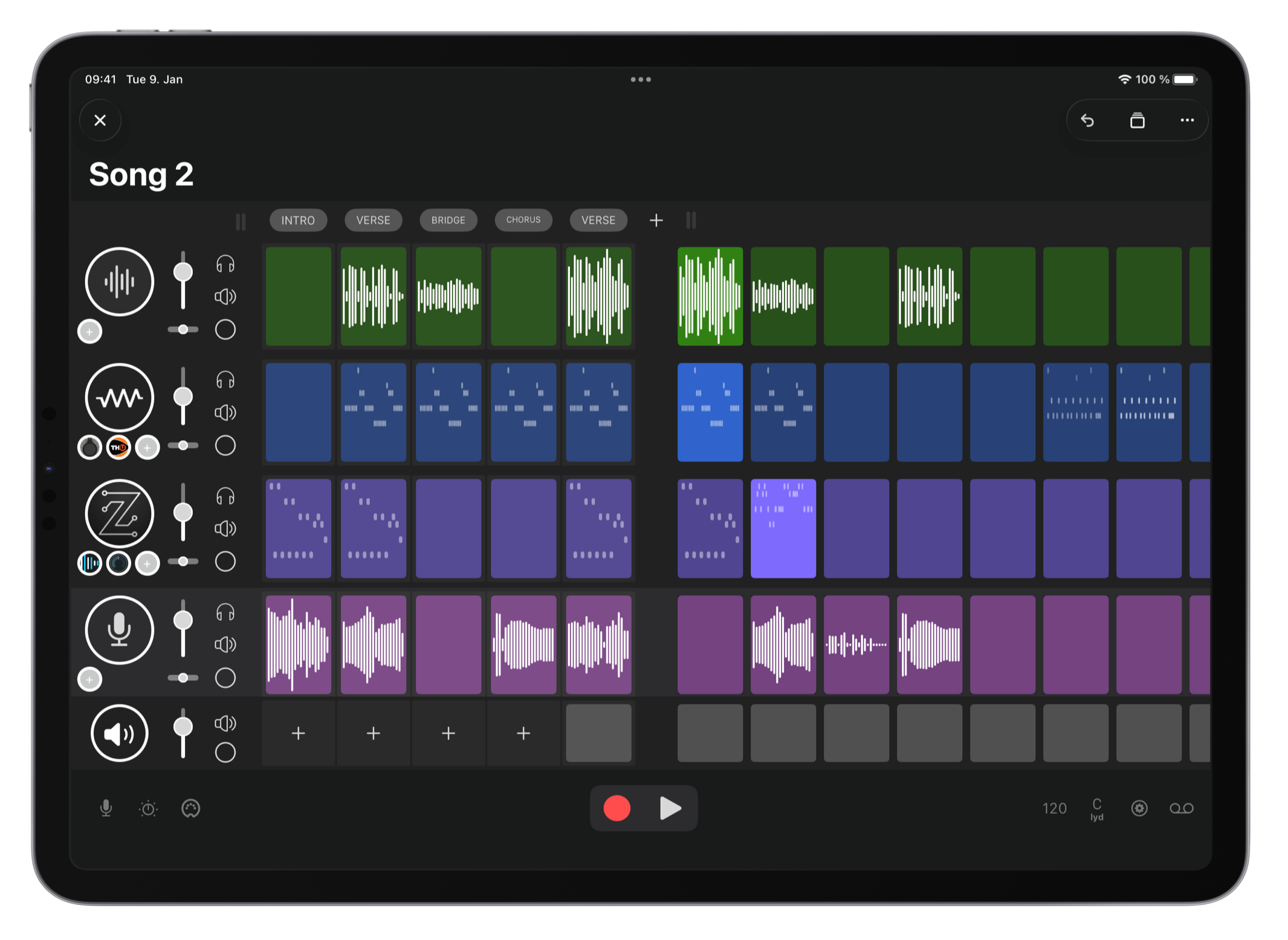

Sketch your song on the grid. Arrange audio and MIDI clips in sections, manipulate them with copy, duplicate, merge, and drag-and-drop.
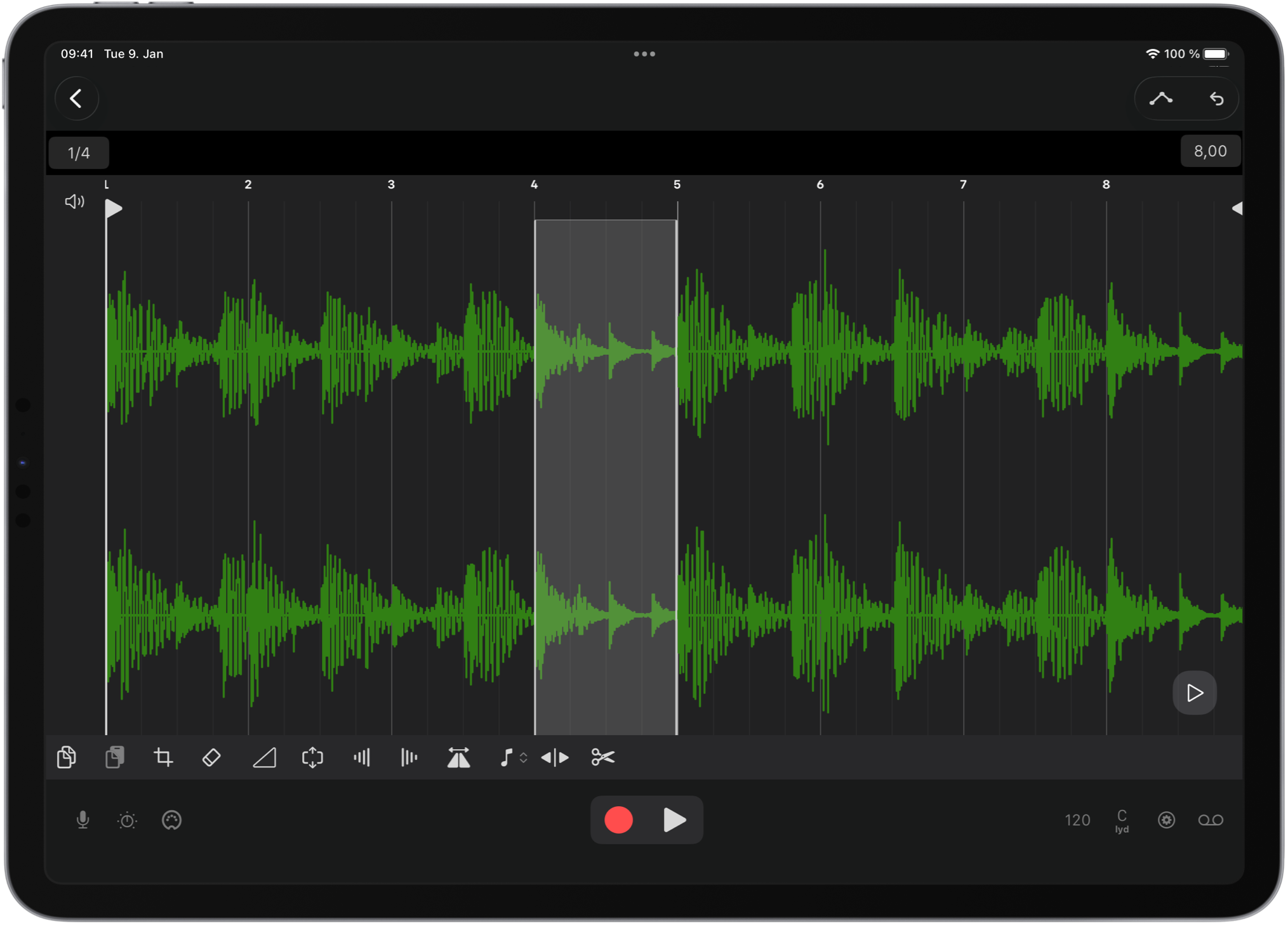
Crop, stretch, fade, normalize, reverse, change pitch, and split audio clips—with automatic or manual preview.
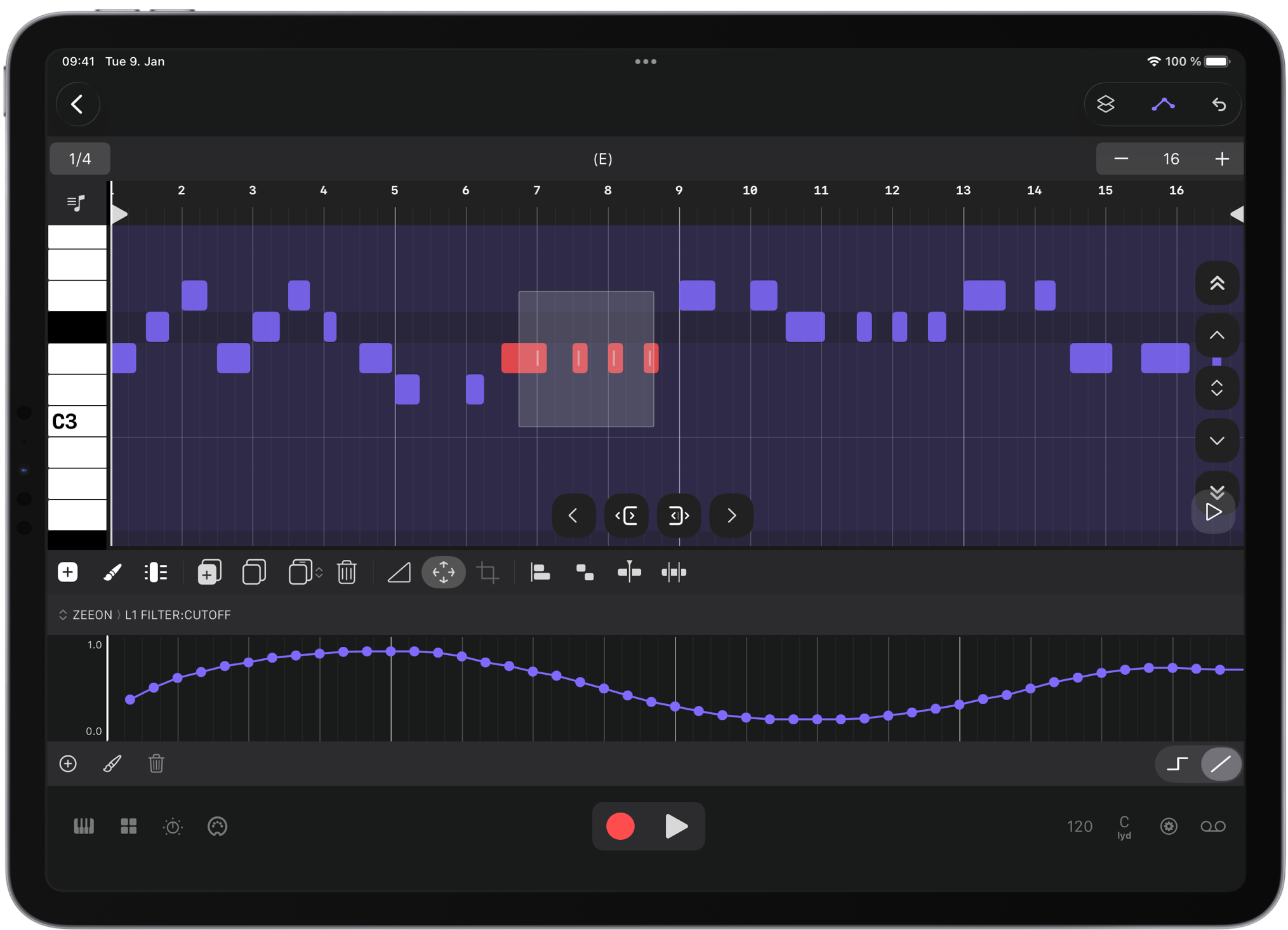
Edit notes, build chords, and automate plugin parameters in a focused piano-roll editor.
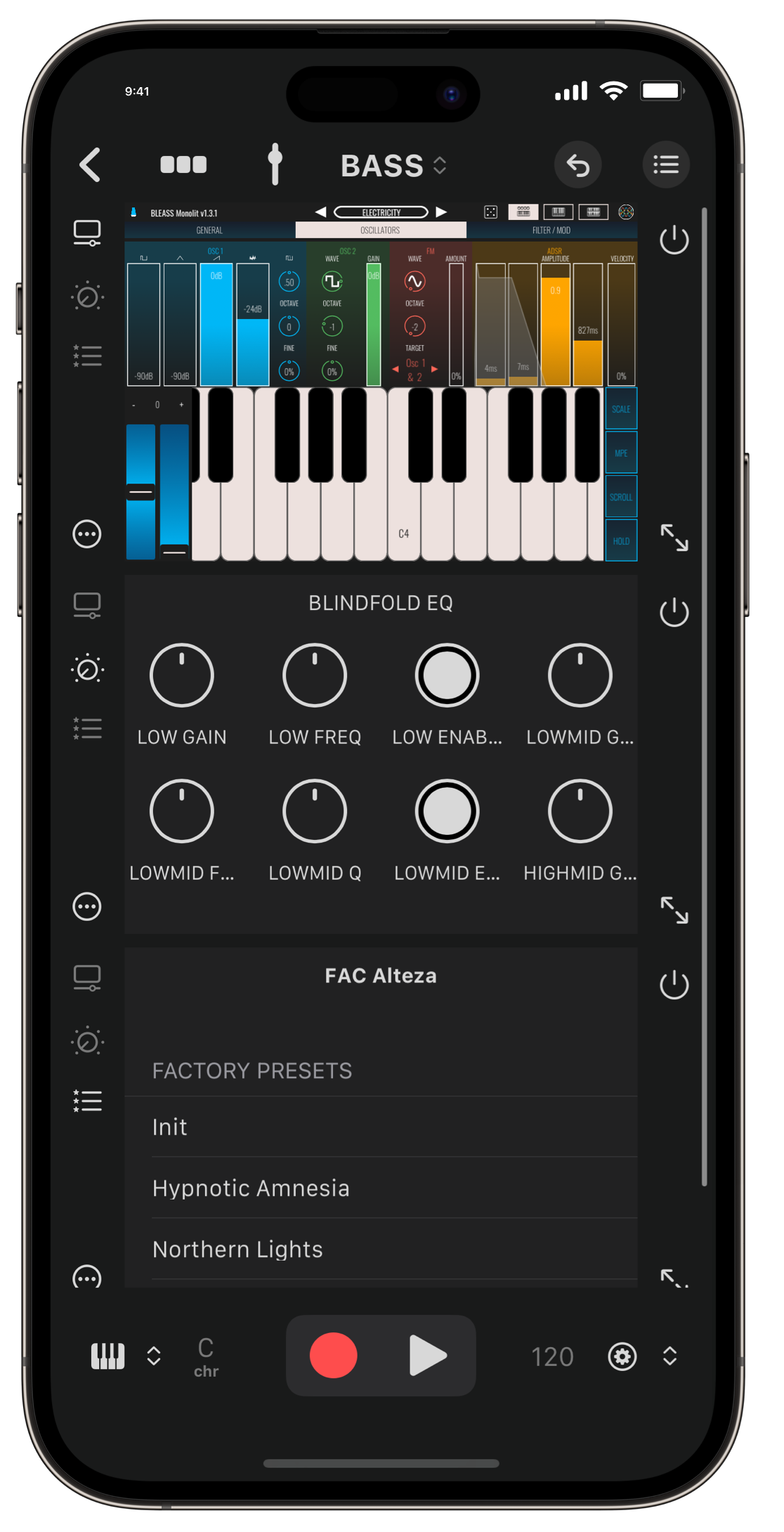
Load AUv3 instruments and effects. Control parameters and presets, save default states, and mark plugins as favorites.
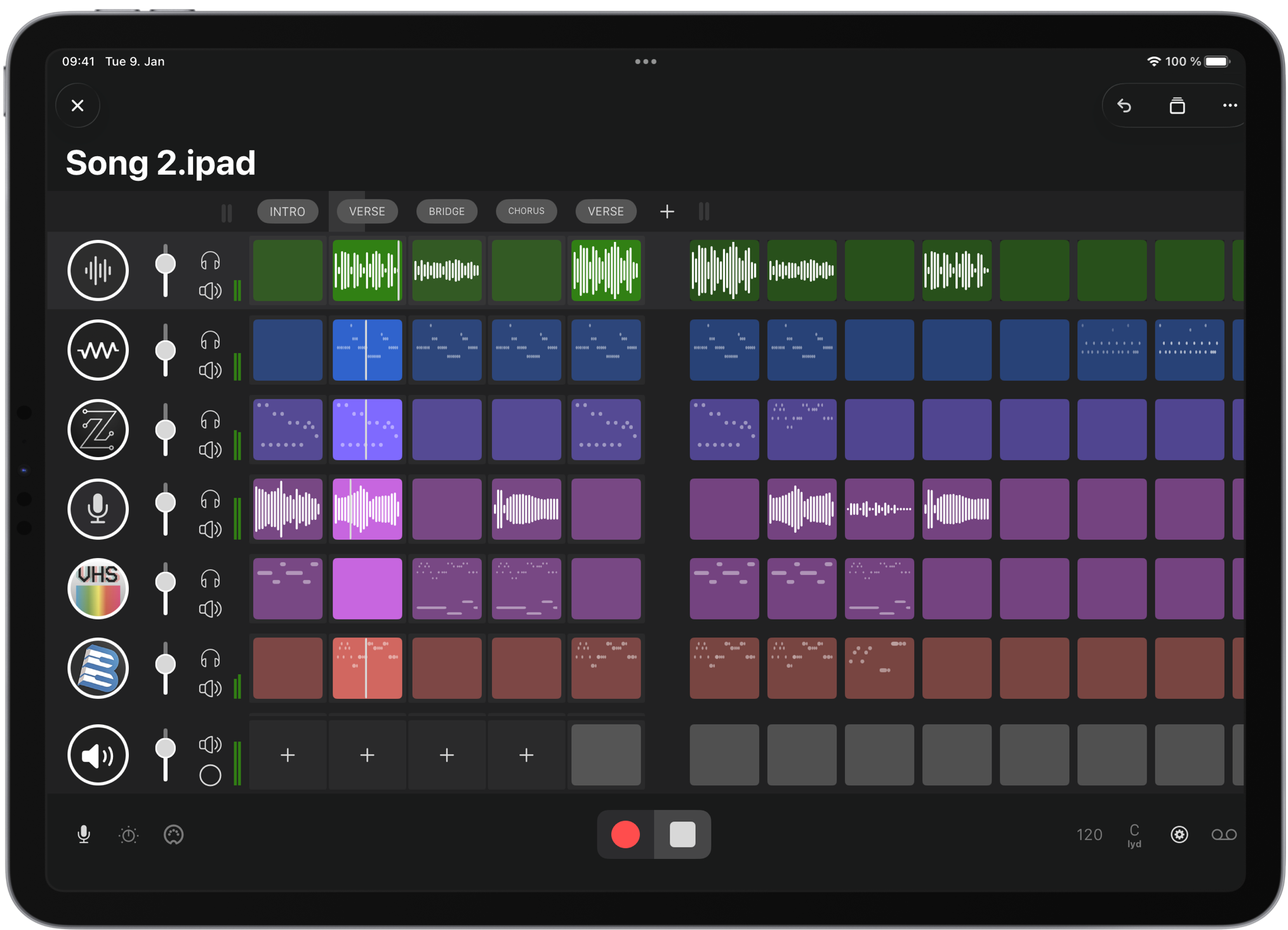
Arrange clips in sections with independent lengths. Launch every clip in a section at once—sections work as scene launchers.
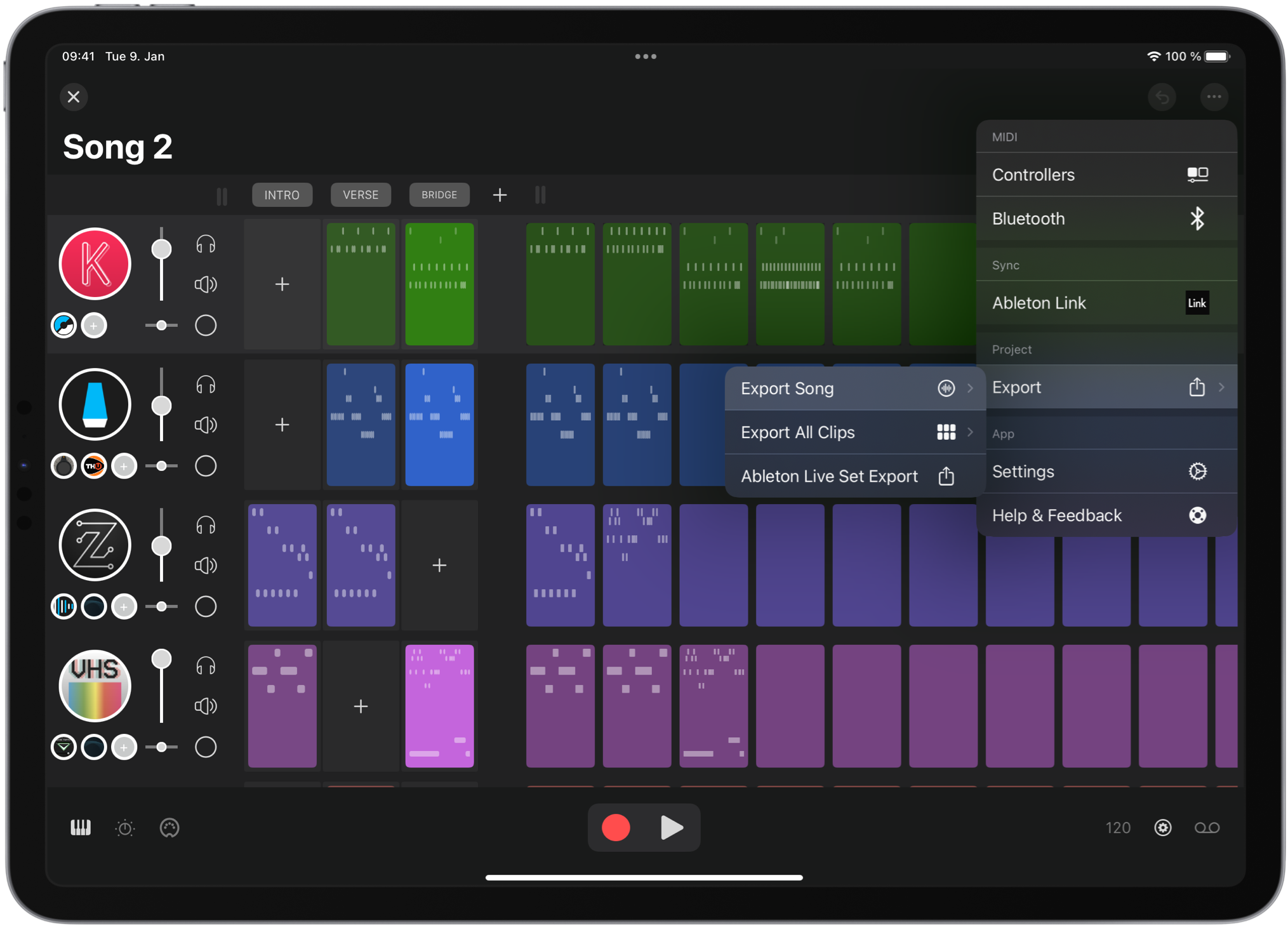
Export clips as audio or MIDI. Export projects as Ableton Live sets. Record performances and export audio with stems.
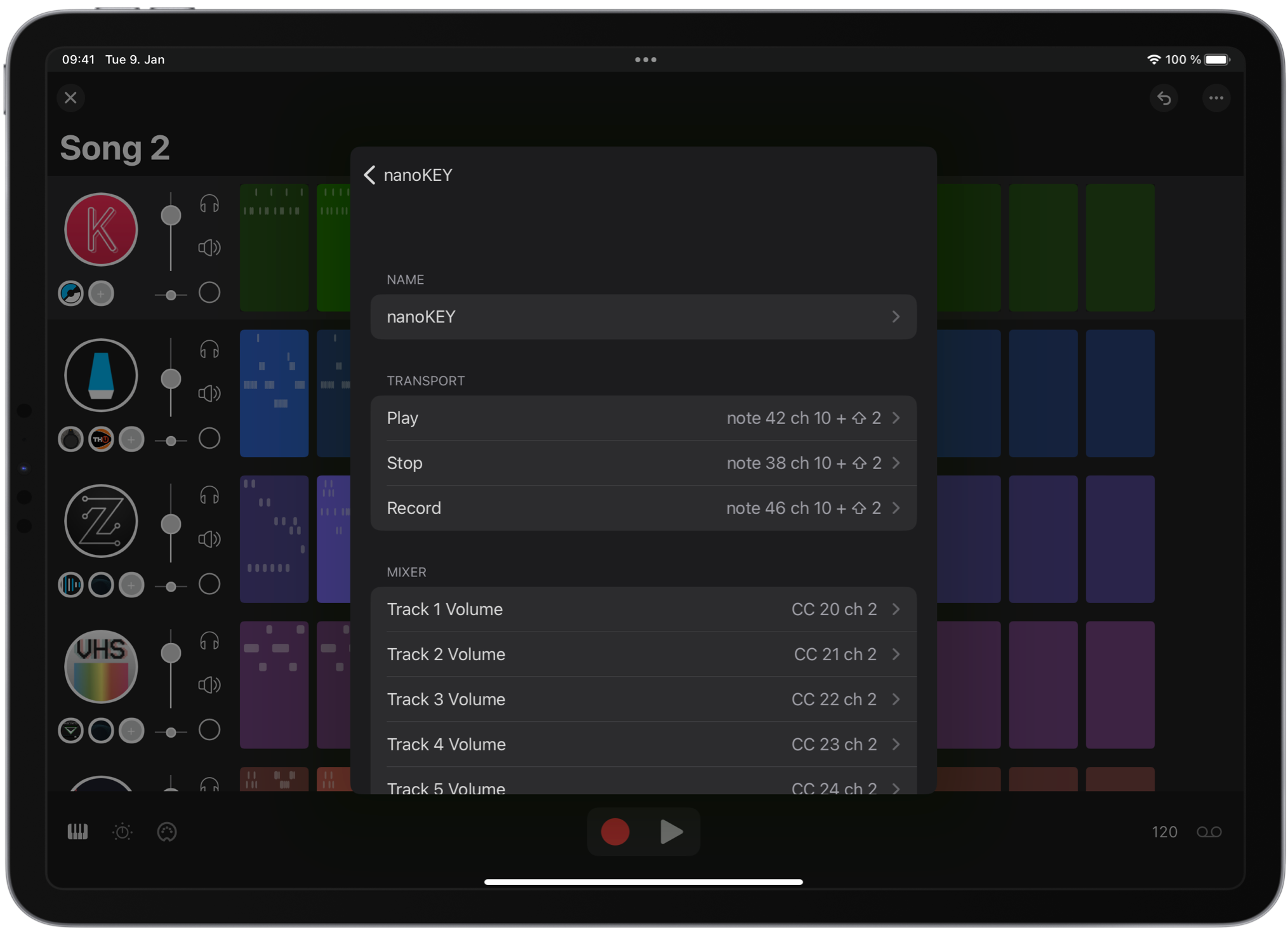
Map your MIDI controller to transport, mixer, and more. Flexible mapping with shift keys to expand what your surface can do.
Jakob Haq — haQ attaQ Docutorial
Preview
Every part of SAND works with VoiceOver — load plugins, record clips, and produce music on iOS without compromise.
This app honestly saved my iOS music life. As a blind user, most music production apps are sadly unusable. SAND lets me host and use my AUv3 apps properly, which is something I almost gave up on.
alienette.musique
SAND does what Abledon't. If you miss plug-in hosting in Ableton Note, here's a whole app built around sequencing and recording your instrument plug-ins on iOS
Peter Kirn, CDM Create Digital Music
This developer really understands workflow. I can't recommend this app enough.
texascrow
Such a pleasure to just open the app, add an AUv3 instrument and get composing.
whomichaelwho
Sometimes it's the simplicity of an interface and the practicality of what you leave out of an app that makes it far easier and more enjoyable to create on.
StanleyZzzzzz
For this price with such functionality this is the best daw for me at the moment.
GreGy08
Try SAND free for 14 days on iOS and Mac.